These are my notes on what I did to improve an issue where the connection would briefly drop and Marvel Rivals or VALORANT would freeze. I am only listing the things that actually helped in my environment.
Table of Contents
Open Table of Contents
Review network settings
35. What are the best TCP Optimizer settings for gaming ?
I installed SG TCP Optimizer and reviewed my network settings while using the article above as a reference.
Subjectively, it made a pretty big difference.
There are also many people explaining SG TCP Optimizer settings in Japanese, so it might be worth referring to those as well.
Switch to a solid-conductor LAN cable
This also helped quite a bit.
LAN cables come in solid-conductor and stranded-conductor types, and the commonly used ones are usually stranded.
Compared with stranded cables, solid-conductor cables provide more stable communication and are more resistant to noise. However, they are stiffer and harder to bend than stranded cables, so the places where you can use them are limited. In my setup, I could connect the router to the PC in a straight line, so I switched to a solid-conductor cable.
Product I bought
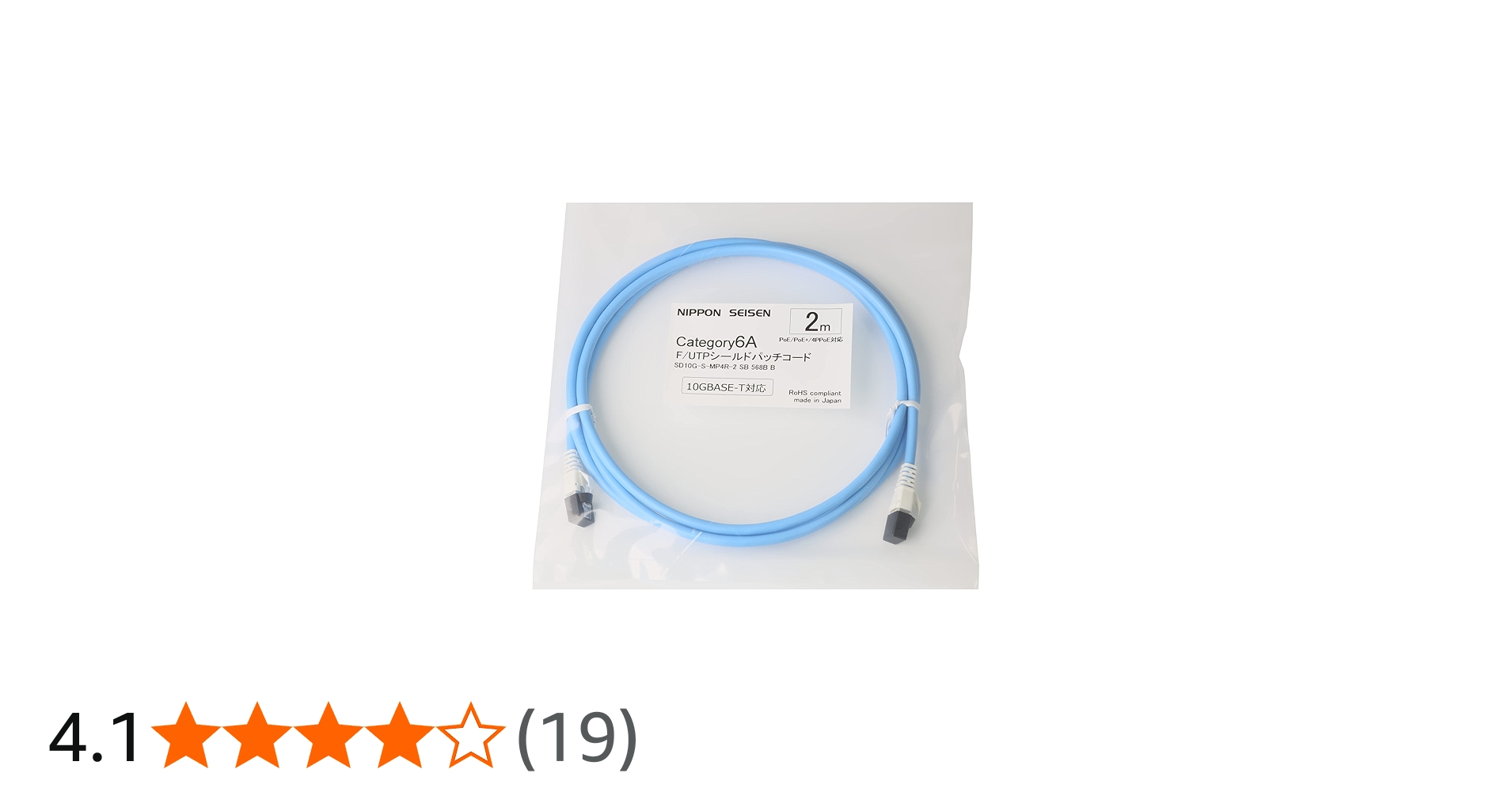
Nippon Seisen Cat6A shielded LAN cable, 26AWG solid conductor, light blue 2m (cable outer diameter 6.0 mm), SD10G-S-MP4R-2 SB 568B B
A Category 6A, 26AWG solid-conductor shielded LAN cable that supports high-speed 10Gbps communication. ● Thanks to IDC plugs (Insulation Displacement Connections), long-term reliability when using PoE is improved compared with common IPC plugs (Insulation Piercing Connections Contact: piercing plugs). ● Uses an F/UTP LAN cable with overall shielding and RJ45 plugs with a 360-degree shield-cover design, giving it excellent noise resistance. ● Alien crosstalk compliant. ● [Recommended JIS adapter modular jack] Nippon Seisen Co., Ltd. NSJISOW-6A-SKIT ● [Recommended shielded JJ adapter JIS adapter kit] INABA DENKI SANGYO Co., Ltd. AMJ6AT-LACTa ● Wiring: 568B straight-through
Closing thoughts
Some games were perfectly comfortable to play with no brief disconnects at all, but for some reason, only certain games would often freeze for two to three seconds, making me look to other players like “that person walking forward step by step.”
In my environment, VALORANT, Gundam Evolution, and Marvel Rivals were truly terrible.
On the other hand, Overwatch, Apex Legends, and Deadlock never had this issue at all, so server-side factors, routing, or compatibility with the game’s own network implementation may also be involved.
With the settings introduced here, I was able to reduce the frequency of micro-lag quite a lot. (The micro-lag itself still happens, so it does not seem like a complete fix…) If I find any other promising settings, I will add them later.
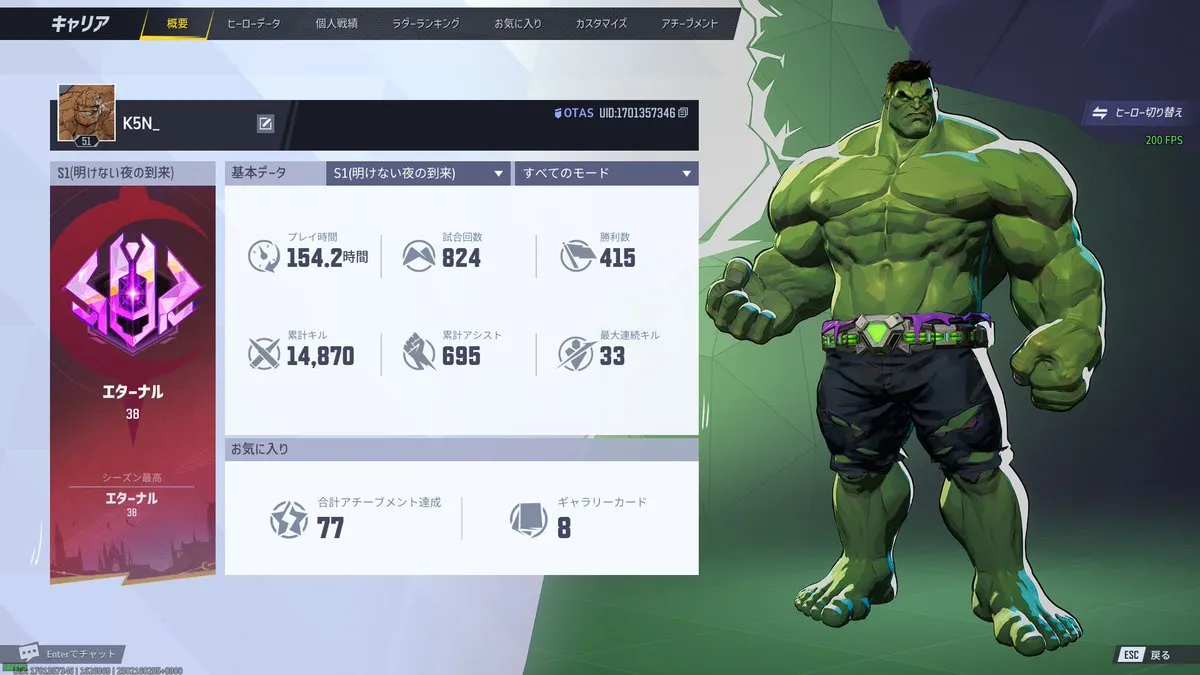
P.S. After improving my connection, I reached Eternal!
Update: Change your internet connection
In the end, this was the most effective fix.
Thoughts after switching to the AsahiNet Hikari Cross Course 10GB plan
Update: Turn off power-saving settings
After switching my internet connection as described above, the micro-lag completely stopped, so that improved the issue. This is a setting I discovered later for a different reason after replacing my PC, but it had a huge effect on network problems, so if you are thinking about changing your internet connection, it may be worth trying this once before doing that.
What I did when turning ON 3D V-Cache settings made the network stutter