


Here is how to show the song you are playing in YouTube Music on Discord, similar to Spotify.
1. Download the latest version of pear-devs/pear-desktop
https://github.com/pear-devs/pear-desktop/releases
Download the latest version from the link above. At the time this article was written, 1.12.0 was the latest version.
For people who do not know how to download from GitHub Releases
Open Assets, then click the file with the .exe extension to start the download.
Note: If there are many files under Assets, click Show all XX assets to display the full list. Check there if you cannot find the .exe file.
Example: YouTube-Music-1.12.0.exe
Update:
Example: YouTube-Music-3.11.0.exe or YouTube-Music-Web-Setup-3.10.0.exe
2. Run and install the YouTube-Music-**.exe file
Run the YouTube-Music-**.exe file you downloaded above to install the app.
After restarting Discord, play music from the installed app, and your activity will be shared as shown below.
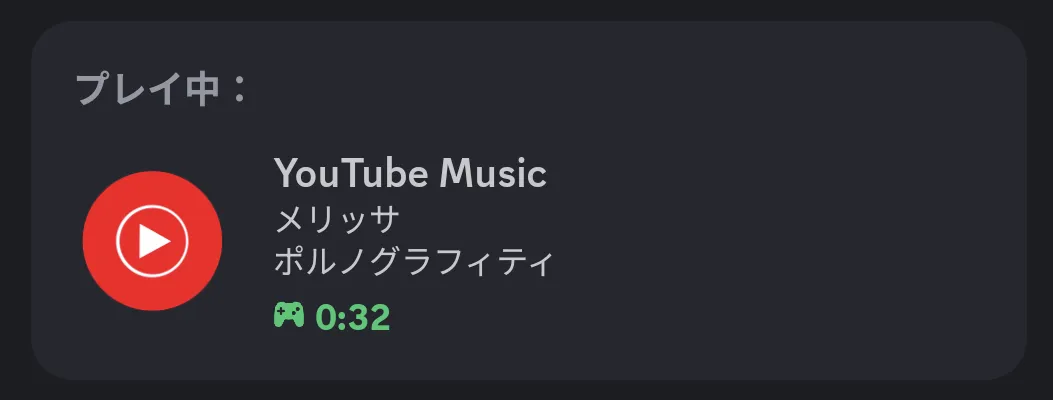
Update: 2025/9/15
The latest version, v3.11.0, has been released. The look is also much more modern, and it is easier to use.
Plugins -> Discord Activity Status -> Enabled
Plugins -> Discord Activity Status -> Auto Connect
Plugins -> Discord Activity Status -> Playing YouTube Music
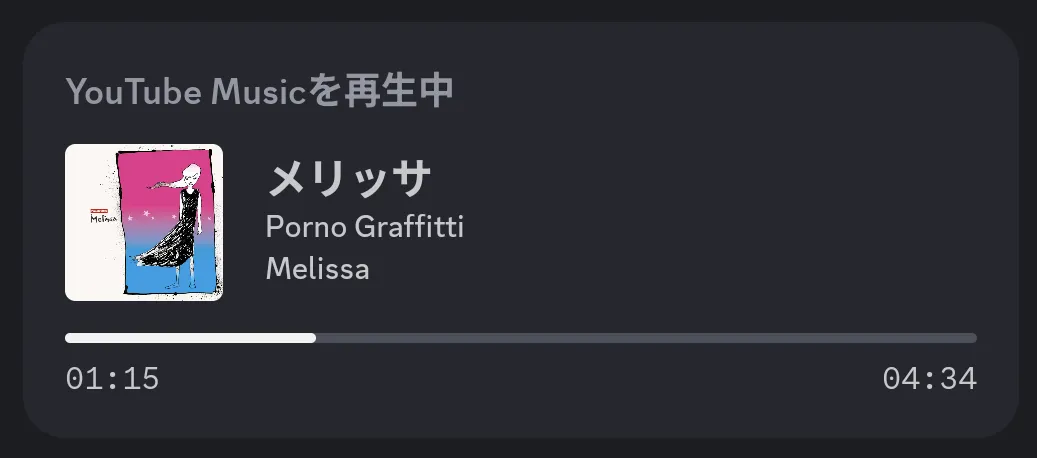
By turning the settings above ON, Discord now shows more information than previous versions did, such as album art and the playback time of the currently playing song.
Also, immediately after installation, the text and images are larger. That makes it easy to read, but less information fits on one screen, so I personally recommend opening the View tab and pressing Zoom Out two or three times.
- Default screen
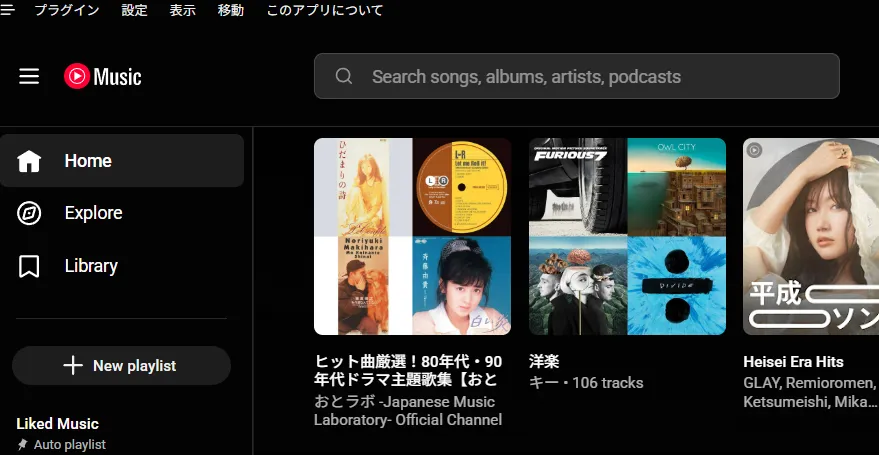
- Screen after pressing
Zoom Outtwice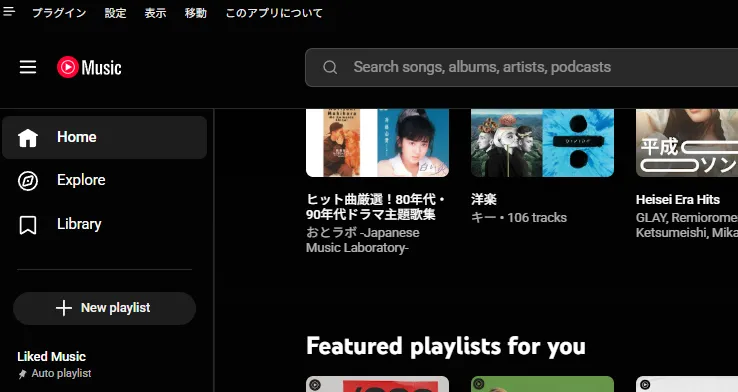

![[Twitch Follower Checker] How to Check New Followers and Unfollowers on a Twitch Channel](https://blog.devkey.jp/en/posts/twitch-follower-checker/index.png)
![[Deadlock] How to Play in Japanese [Japanese Localization Config File Download]](https://blog.devkey.jp/en/posts/launching-deadlock-japanese-settings/index.png)
![[PUBG] How to Create an API Key](https://blog.devkey.jp/en/posts/how-to-create-pubg-api-key/index.png)