


This guide shows how to use Twitch Follower Checker, a follower analytics web app for Twitch streamers!
Table of Contents
Open Table of Contents
How to Use
Go to twitch-follower-checker.devkey.jp!
Log In Using Twitch’s Official Authentication
-
Click the
Authenticate with Twitchbutton.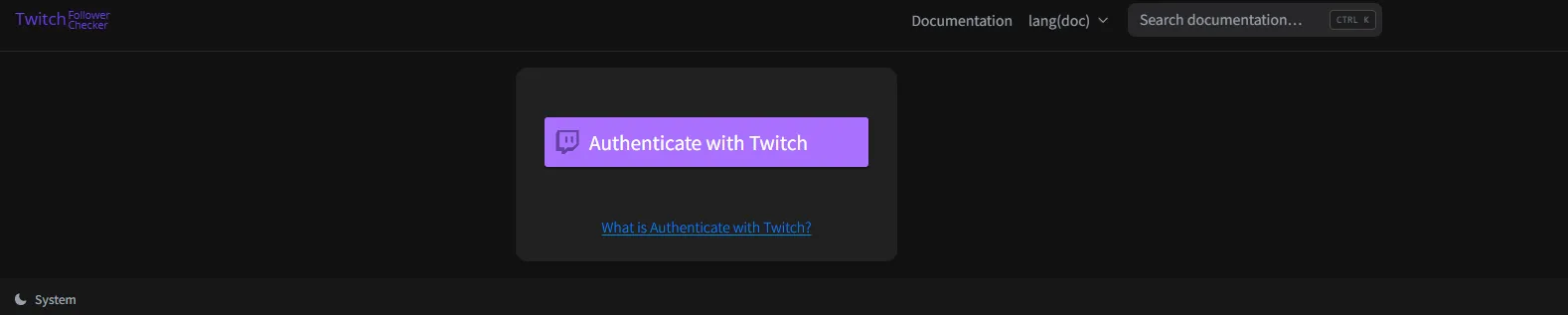
-
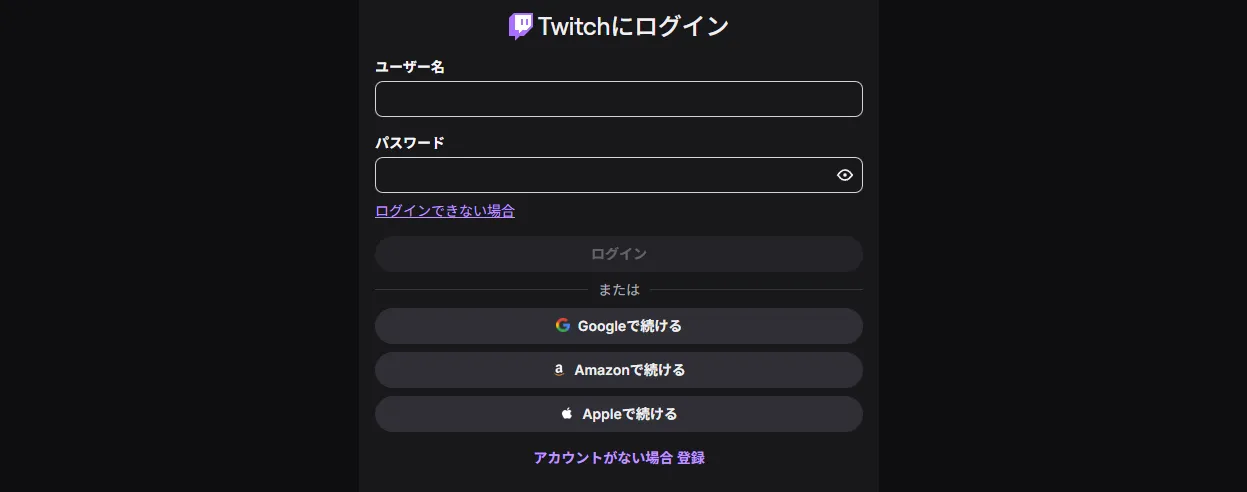
Log in with your username and password.
Checking the Follower List
You can check your Follower List (the people who are currently following you).
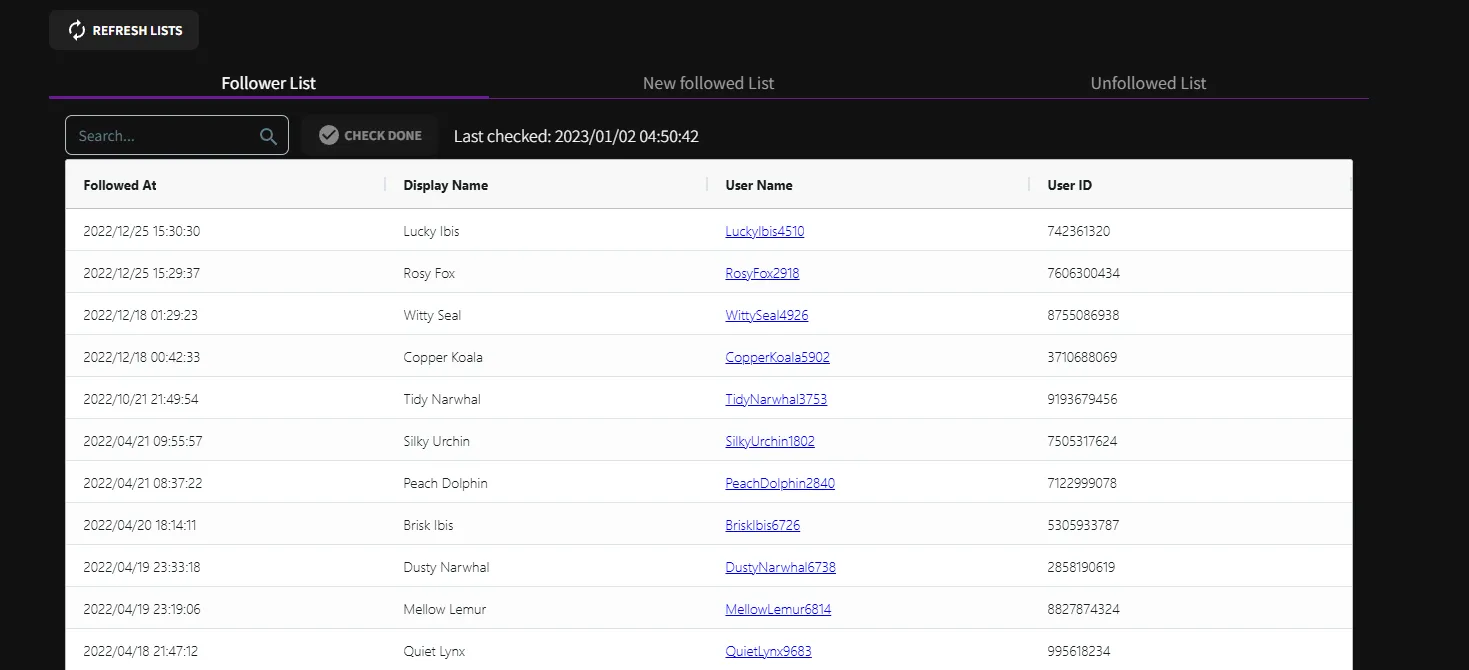
You can also search and filter it with the Follower Search Feature.
Checking the New Followed List
You can check the list of people who newly followed you since the Last checked date.
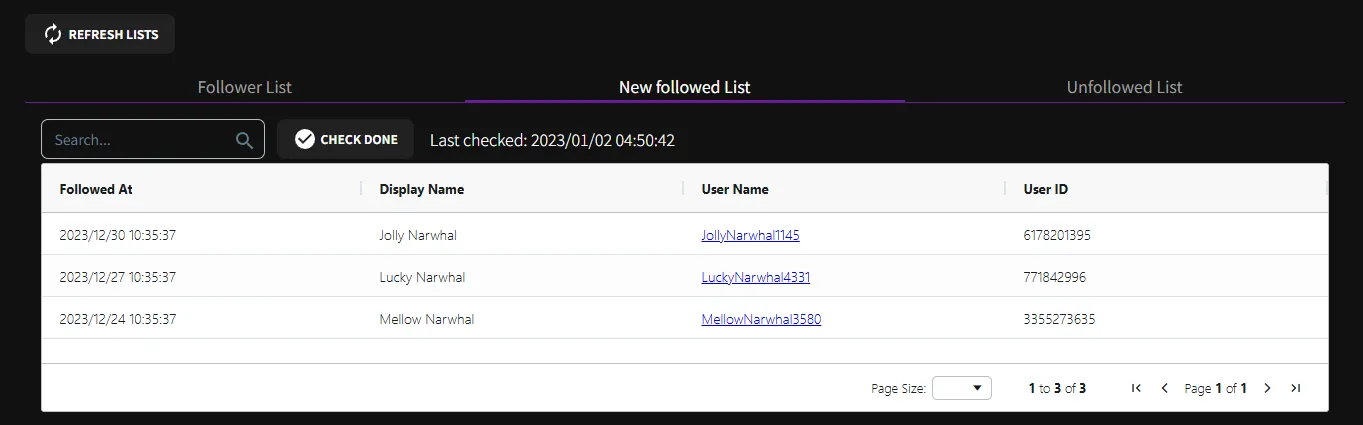
Note: Pressing the CHECK DONE button updates the Last checked date.
If you want to look back later at the “New Followed List” currently displayed, it is better not to press CHECK DONE.
(Pressing CHECK DONE is not required.)
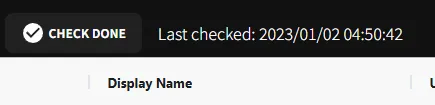
You can also search and filter it with the Follower Search Feature.
Checking the Unfollowed List
You can check the list of people who unfollowed you since the Last checked date.
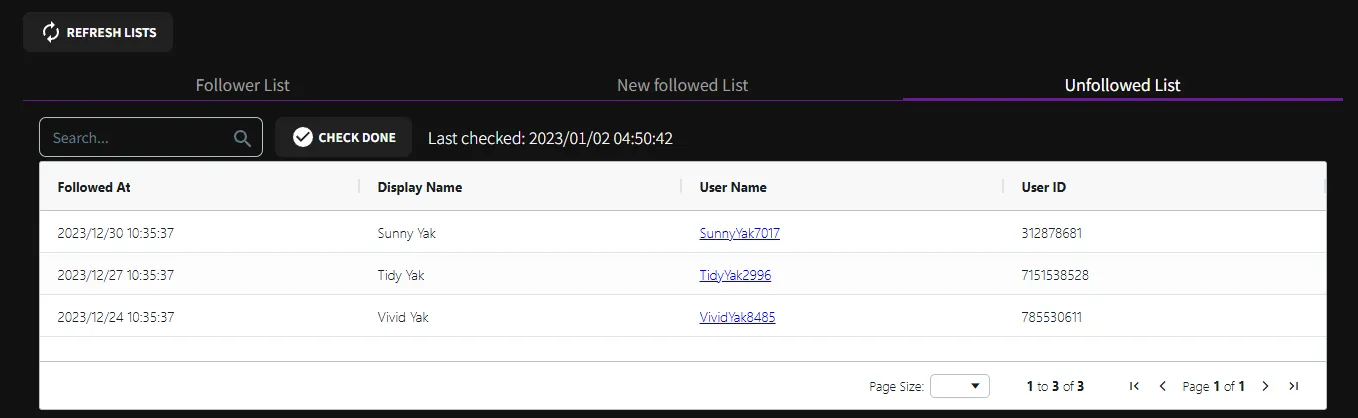
Note: Pressing the CHECK DONE button updates the Last checked date.
If you want to look back later at the “Unfollowed List” currently displayed, it is better not to press CHECK DONE.
(Pressing CHECK DONE is not required.)
You can also search and filter it with the Follower Search Feature.
Follower Search Feature
You can search and filter by the followed date (Followed At), display name (Display Name), username (User Name), user ID (User ID), and more.
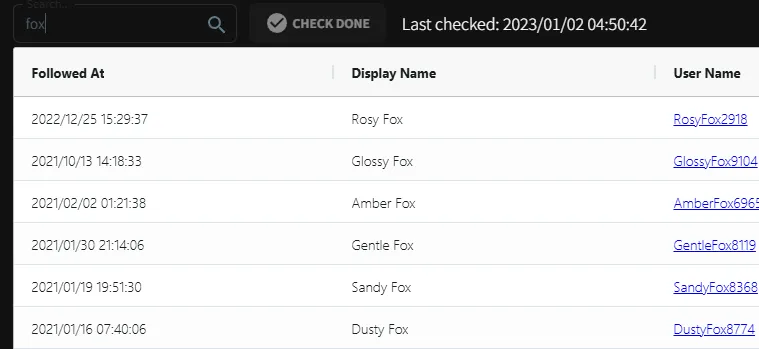
Example: searching for people whose display name, username, or similar fields contain fox
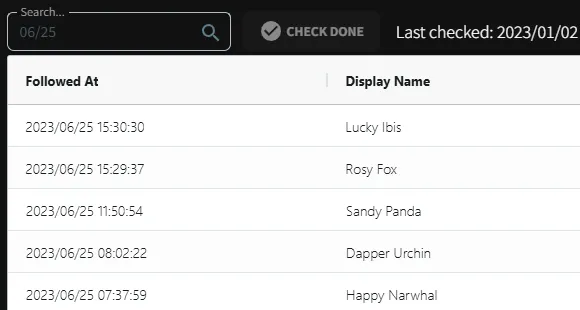
Example: searching for users whose followed date contains 06/25
Updating the Follower Lists (REFRESH LISTS)
You probably will not use this very often, but if you want to update the current screen to the latest follower lists, press REFRESH LISTS.
For example, you can keep Twitch Follower Checker open during a stream and periodically press REFRESH LISTS when you want to check the latest new followers / unfollowers in real time.
Data Handling and Safety
Twitch login information and follower list data are designed to be processed and stored inside your browser.
They are not sent to the Twitch Follower Checker server, so it is easy to use with confidence from a privacy standpoint!
In exchange, if you change devices or browsers, you will need to log in again.
Also, the “new followers / unfollowers” lists are displayed based on the Last checked date for that device and browser.
Bonus
I published a write-up about the development and operation experience behind Twitch Follower Checker.
If you are interested, please take a look!
How a Twitch Follower Analytics Web App I Released Surpassed 100,000 Cumulative Active Users
How a Twitch follower analytics web app I released surpassed 100,000 cumulative active users.

![[PUBG] I Released Steins.GG, a Match Analysis System!](https://blog.devkey.jp/en/posts/release-steinsgg/index.png)
![[PUBG] How to Create an API Key](https://blog.devkey.jp/en/posts/how-to-create-pubg-api-key/index.png)
![[PUBG] I Gave the Limited-Release Match Analysis System a Massive Update](https://blog.devkey.jp/en/posts/renewal-steinsgg/index.png)