In this article, I avoid “vanilla-breaking” mods such as new mobs / new weapons or items / world or biome changes / major economy or combat balance changes, and instead collect mods that add only QoL (quality-of-life) improvements, organized by category.
Table of Contents
Open Table of Contents
Storage Organization and Inventory
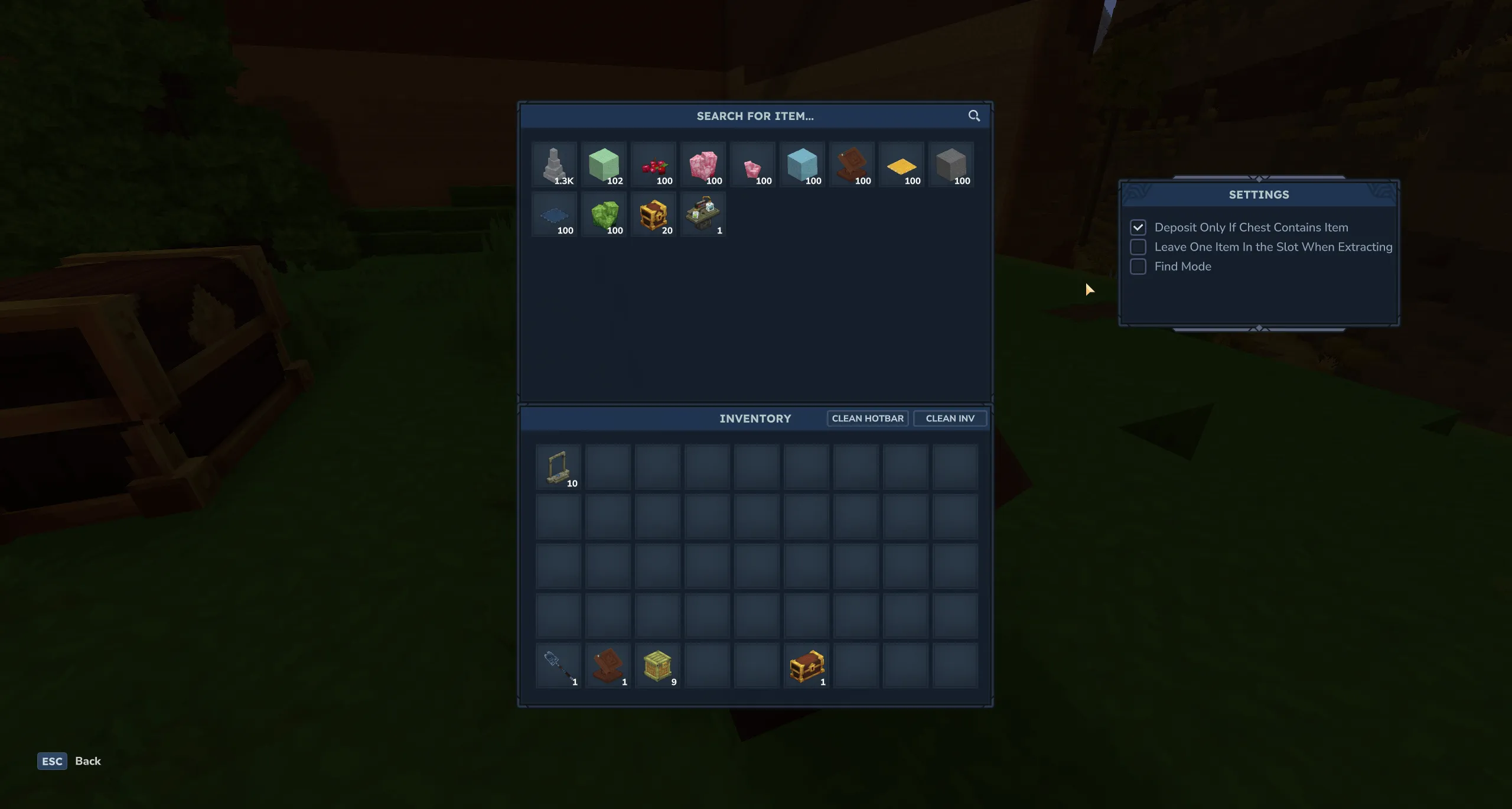
Where this at? (cross-chest search / retrieval)
- A mod for searching “where did I put that material?” across chests and pulling it to you without checking every chest one by one.
- Vanilla impact: Low (does not change exploration difficulty or resource amounts; it only reduces the hassle of finding items)
- My note: Top recommendation. It removes a huge amount of item-search stress.
- Where this at?
Maps and Exploration
BetterMap (world map / pins / waypoints)
- Adds the basic map toolkit, such as a larger world map, pins, and waypoints.
- Vanilla impact: Low (it only reduces the inconvenience of travel)
- My note: Recommended. The default map range is too small, so this is almost essential. Grouping up, returning home, and recovering items become much smoother.
- BetterMap
Wayfinder (minimap)
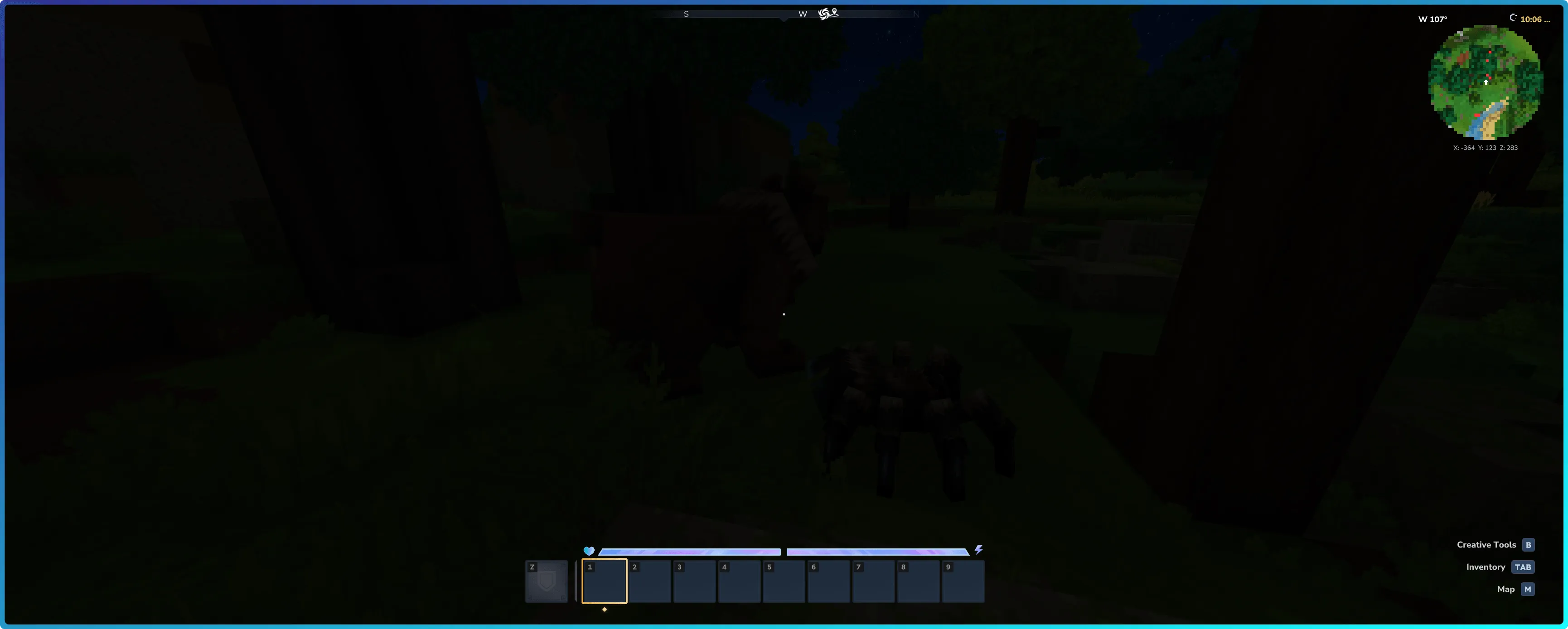
- Adds a minimap to the screen.
- Vanilla impact: Low to Medium (the extra information tends to make exploration easier)
- My note: This adds the kind of minimap often seen in Minecraft mods. Personally, I do not think it is essential.
- Wayfinder
HUD/UI/UX (readability and tooltips)
HUD mods tend to conflict, so be careful about the order you install them in.
EyeSpy (target info HUD / WAILA-style)
- Displays information about whatever you are looking at, such as block names, on the HUD.
- Vanilla impact: Low (it only fills knowledge gaps)
- My note: Recommended. This is the kind of thing you often see in Minecraft mods. It is extremely convenient.
- EyeSpy
Advanced Item Info (item search / encyclopedia UI)
- A UI for searching all items, plus various information displays.
- Vanilla impact: Medium (you can see internal information for all items)
- My note: It is basically Hytale’s version of JEI. It may be better not to install it for your very first vanilla survival run. It becomes useful once you are playing on modded servers or have gotten used to the game.
- Advanced Item Info
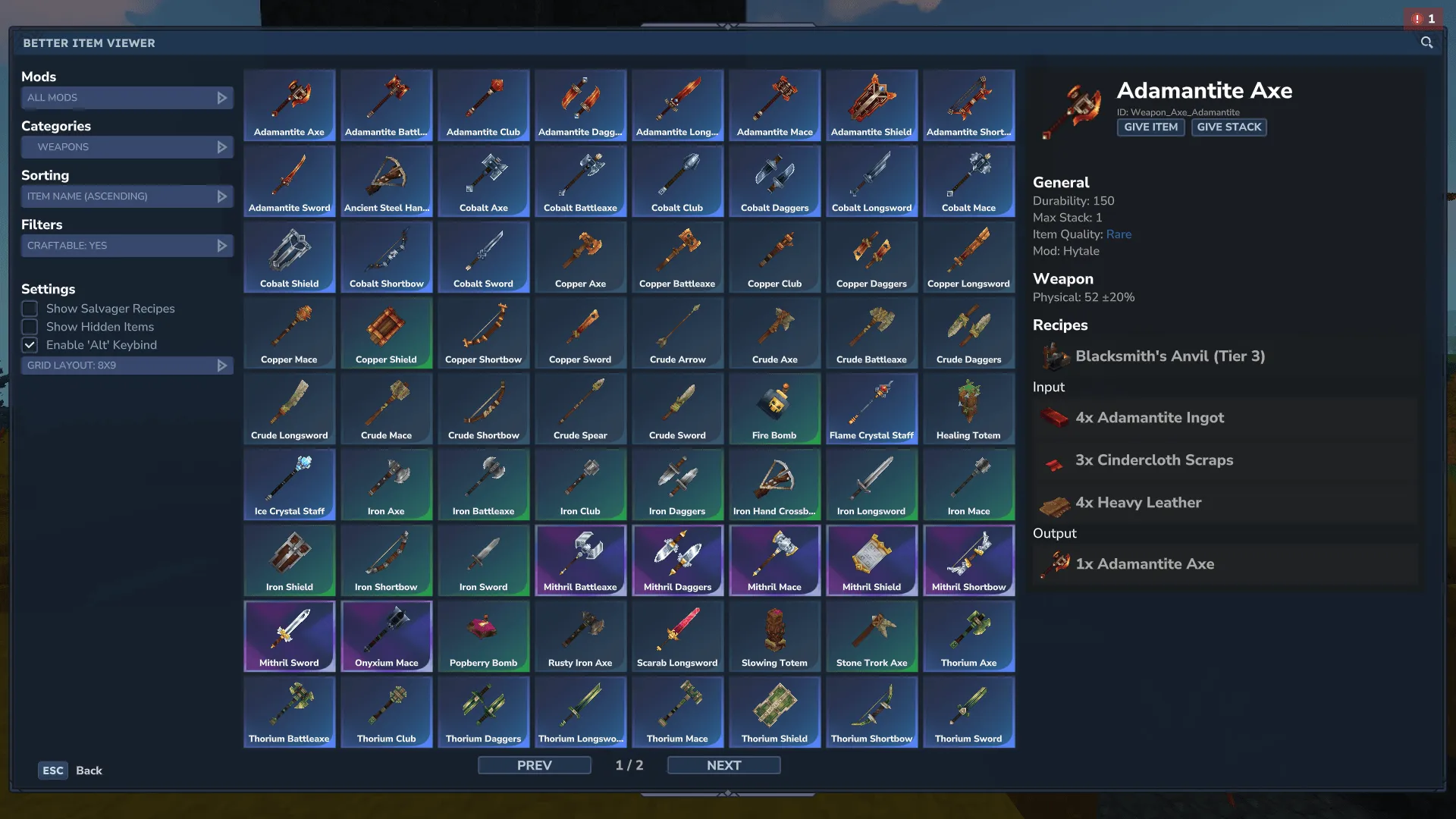
Better Item Viewer (item search / encyclopedia UI)
- A UI for searching all items, plus various information displays.
- Vanilla impact: Medium (seeing recipes means less trial and error)
- My note: It does the same kinds of things as Advanced Item Info, so choosing which one to install comes down to preference.
- Better Item Viewer
Teammate Positioning and Co-op Play
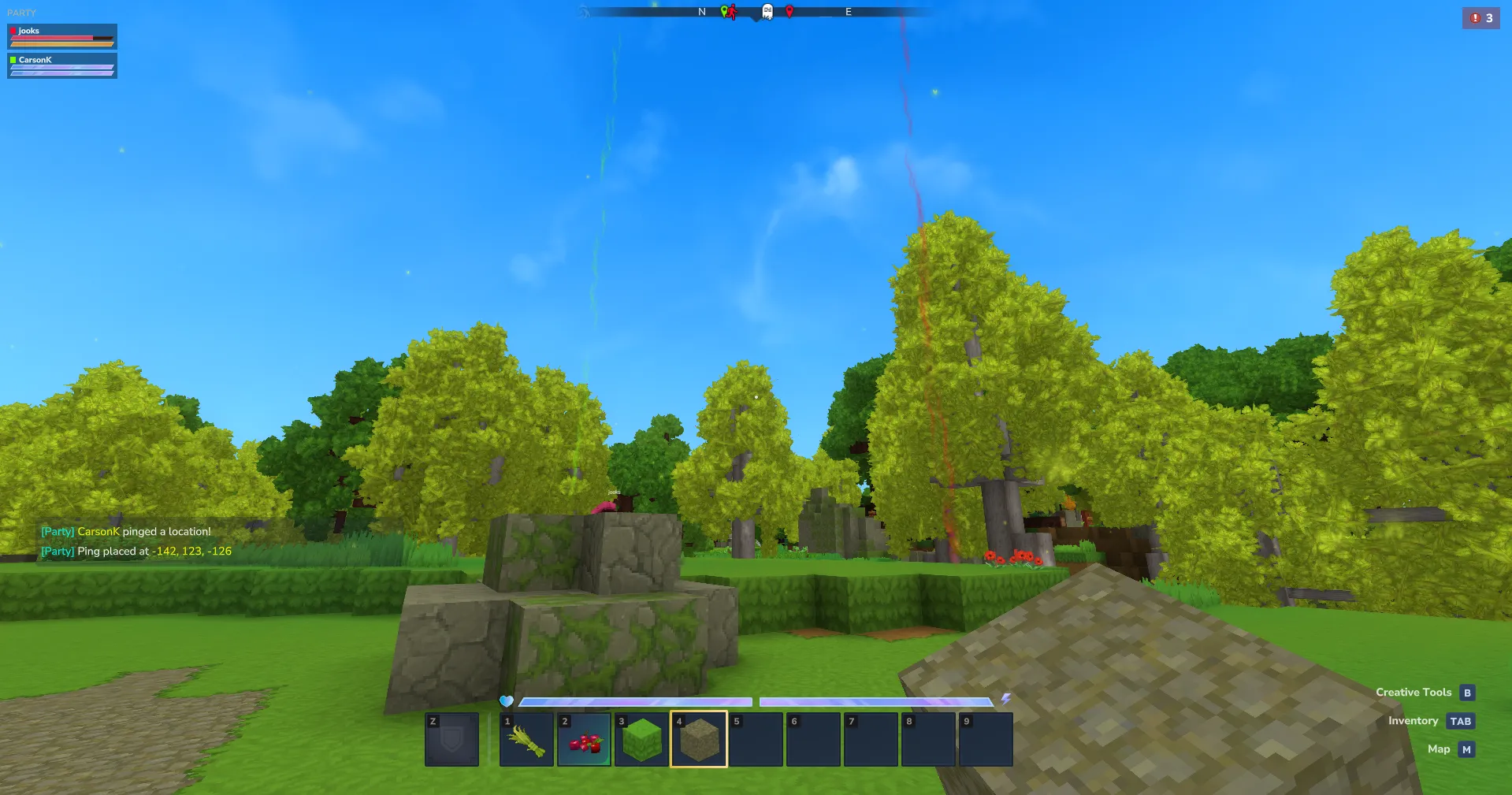
Party Info & Pings (party HUD + pings)
- Adds party information display, pings, and other features that make co-op play easier.
- Vanilla impact: Low to Medium (cooperation becomes stronger. Recommended to use it in a way that does not make exploration meaningless)
- My note: Shared map pings are convenient. It also shows party HP and stamina, so I think it is worth installing if you are playing co-op survival with PvP enabled.
- Party Info & Pings
Bulk Mining and Mass Breaking
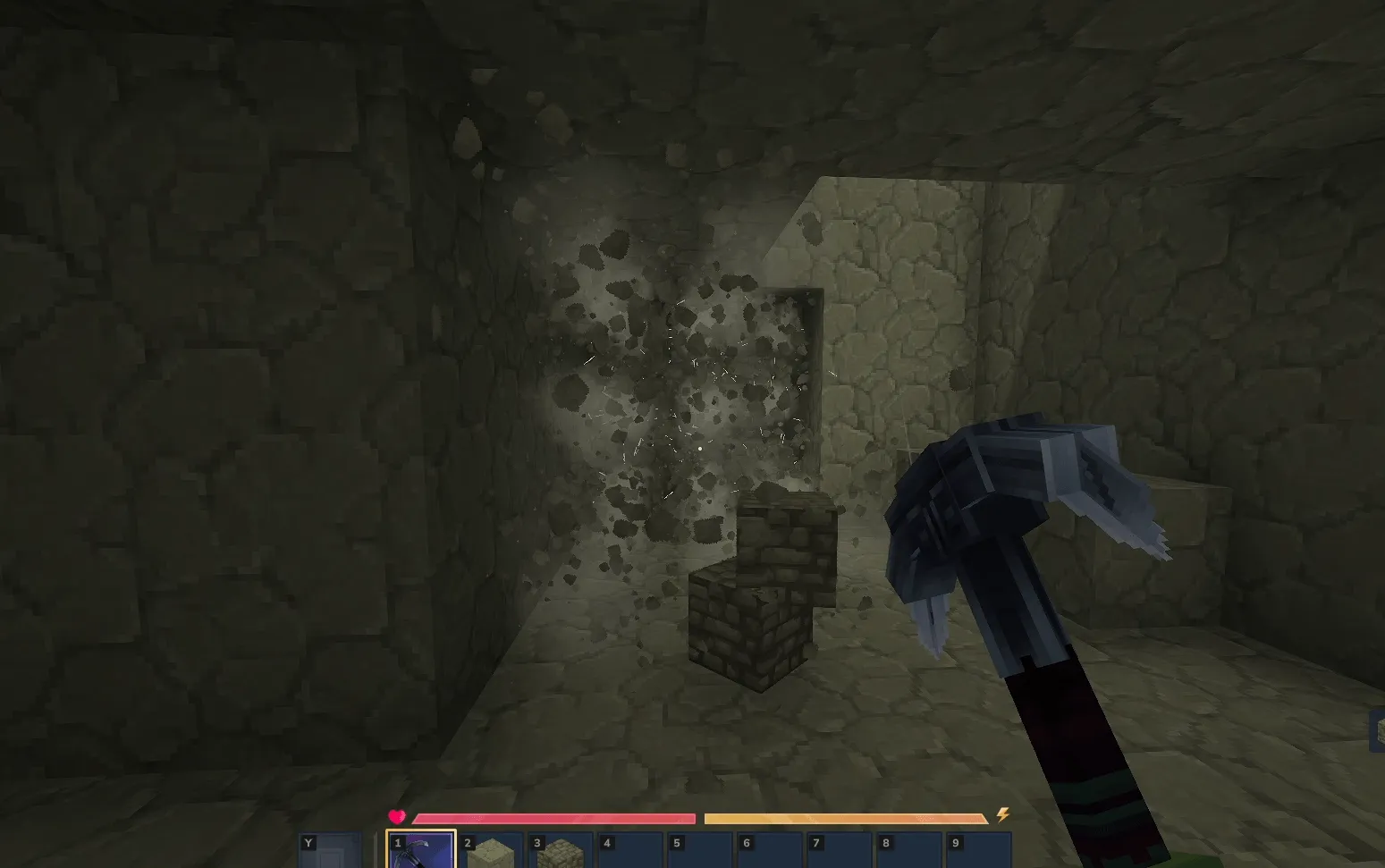
VeinMining (bulk vein mining)
- Lets you mine multiple blocks at once.
- Vanilla impact: High
- My note: This is somewhat of a balance breaker. Because you can dig multiple blocks at once, tunnels and branch mining become easy.
- VeinMining
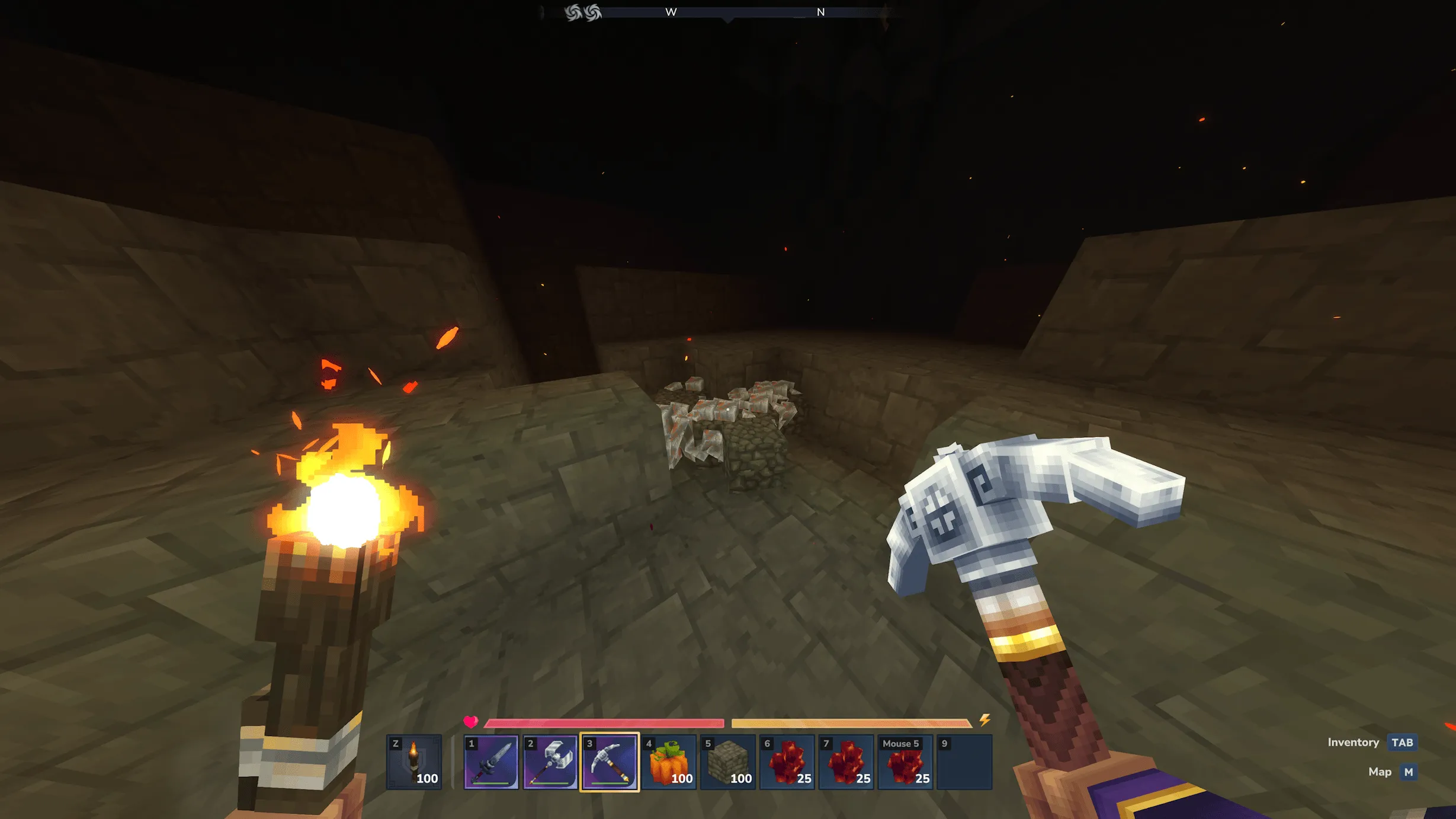
Ultimate Veinminer (specialized bulk vein mining)
- Lets you mine connected ores all at once.
- Vanilla impact: Medium to High
- My note: Basically Hytale’s version of MineAll. It is a representative example of the kind of mod where you say, “this much is probably fine to add.”
- Ultimate Veinminer
Closing
- Always back up your world data before installing mods.
- Do not install all mods at once; install them one by one. These are mods for a game that is still in Early Access, so they are often unstable. For example, a game update may cause them to stop working.
![[Minecraft Mod Development] Cache Expensive Calculation Results](https://blog.devkey.jp/en/posts/minecraft-modding-caching-guide/index.png)

![[GUNDAM EVOLUTION] How to Get More FPS Even on a Low-Spec CPU](https://blog.devkey.jp/en/posts/gundam-evolution-fps-optimization/index.png)